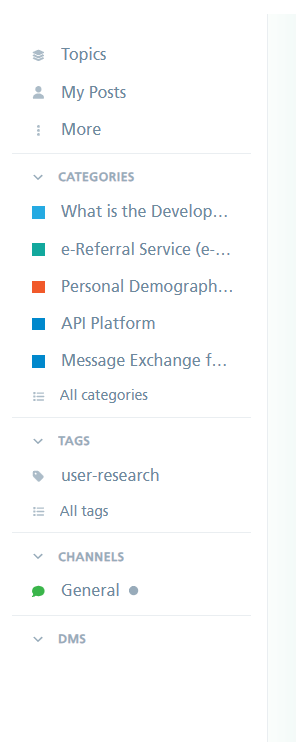
To request a new category, perform the following steps:
-
Login to the Developer Community.
-
Use the left navigation and click My messages, see figure 1.
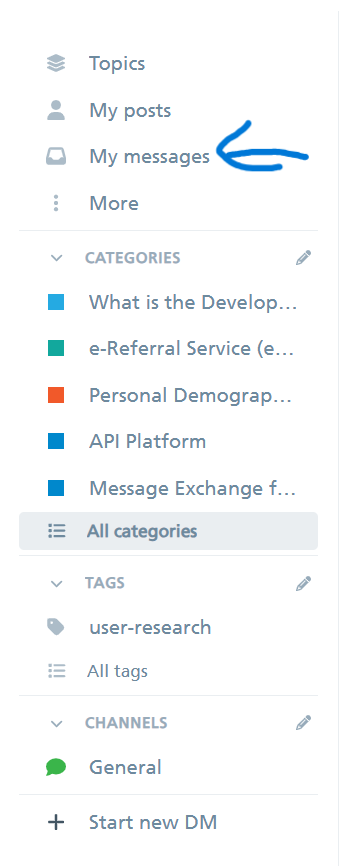
Fig 1: Developer Community - My messages
Then click New Message, see figure 2.

Fig 2 Developer Community - New Message
3. Click the + button and search for Moderators, see figure 3.

Fig 3 Developer Community - Select “Moderators”
4. Enter a “subject” and message in the text fields, see figure 4.

Fig 4 Developer Community - Compose message
5. Click the Send Message button, see figure 5.

Fig 5 Developer Community - Send message
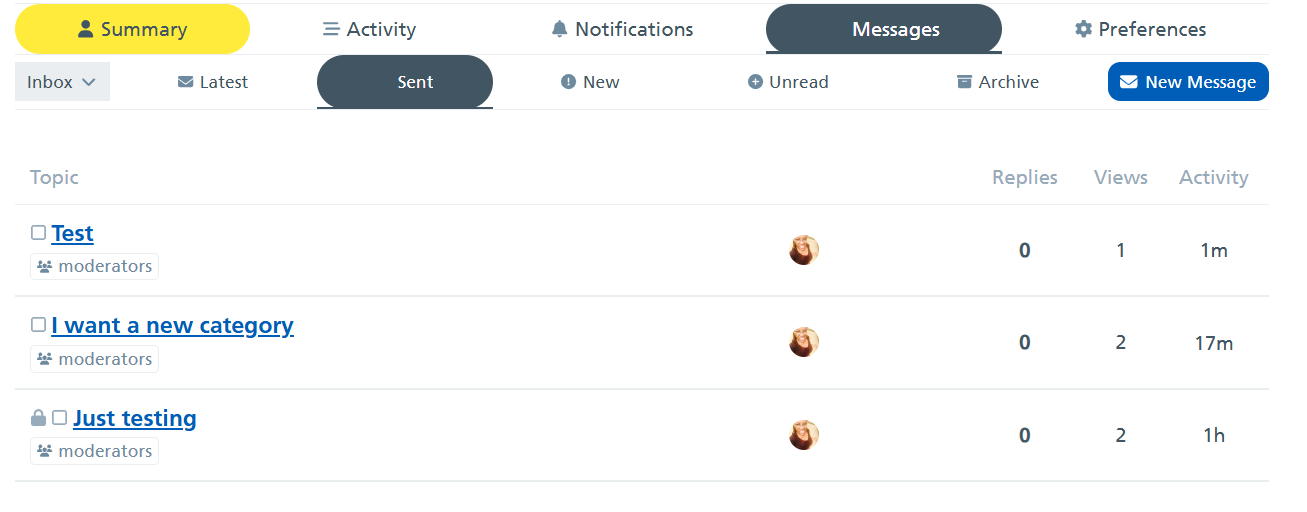
Your message has now been sent.
You can view your sent messages by clicking on sent

To be fully set up with your category on the community:
For admins/moderators
- Enable relevant automation for product category & create a group for them
For category moderators/owners
- Ensure your email notifications are set up.